 Download
Download
Download
Promoting paid content usually means posting a teaser somewhere public, and public means anyone can see it: coworkers, family, people you would rather not. HideFace takes the same shot and produces a promotion-safe version with your face covered, so the preview sells the content without selling your identity.
It is built for consenting adults protecting their own privacy. Everything runs on your device, nothing is uploaded, and the exported preview is flattened, so there is no removable original layer under the cover in the file you post publicly. For a face that must not be recognizable, use solid coverage or a strong mosaic rather than a light blur.
Download HideFace for Windows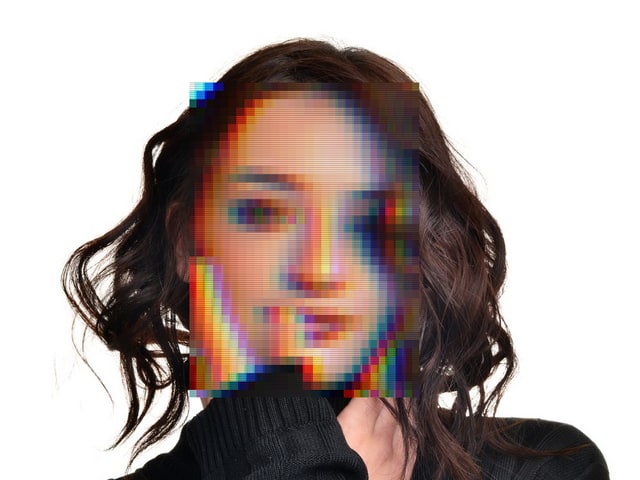
A public-facing preview with the face hidden
HideFace processes the media you import on your device and uploads nothing. It is intended for consenting adults protecting their own or their collaborators identities.
Yes. HideFace exports a new covered copy and leaves your original untouched, so you keep both versions.
The cover is baked into the exported pixels, so there is no removable original layer in the file you post. Solid coverage or a strong mosaic is safer than a light blur.
Yes. Detected faces are tracked frame by frame, so a covered face stays covered through a moving clip. Detection is not guaranteed, so review the preview before you post it.
No account is needed to start. Pro is a subscription that unlocks full-length, full-resolution video.